Financial Modeling Software for Startups (2026)
Financial modeling software helps startups build revenue projections, track burn rate, and run scenarios without starting from a blank spreadsheet. The main categories are spreadsheets like Excel and Google Sheets, dedicated FP&A platforms like Mosaic and Runway, and AI-native tools like Revenue Map that generate models from your assumptions automatically.
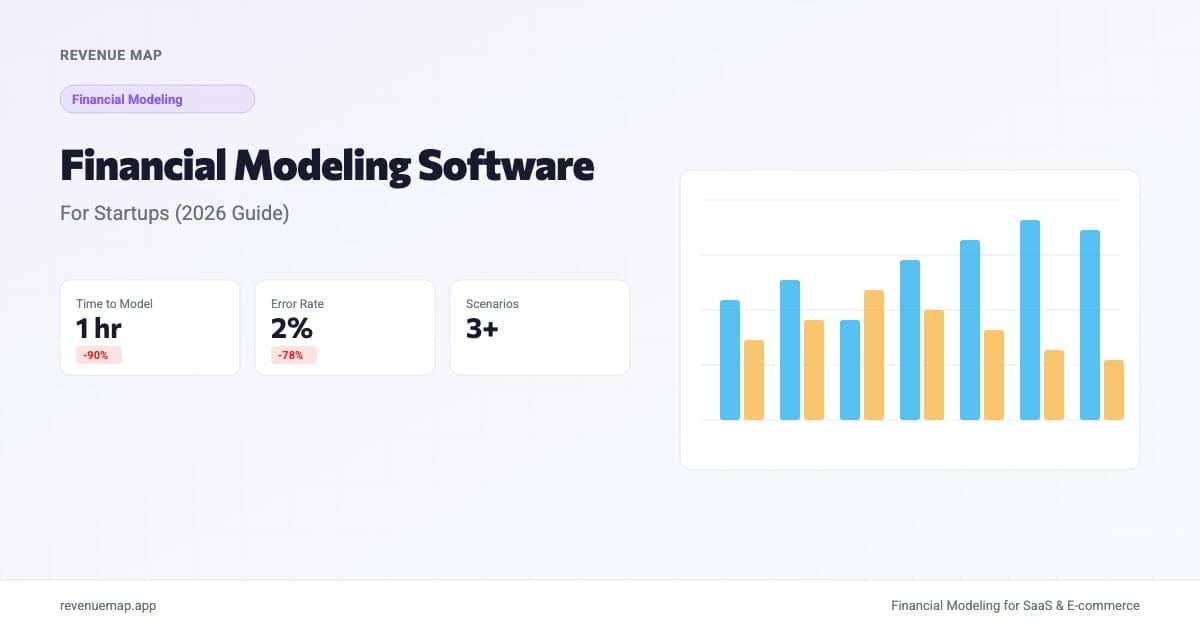
Financial modeling software helps startups project revenue, costs, and cash flow without building everything from scratch in a spreadsheet. The best tool depends on your stage: pre-revenue founders usually need a clean template, growth-stage companies need scenario analysis and actuals tracking, and fundraising teams need investor-ready output that updates in real time.
The category is shifting fast. According to SaaStr's latest coverage, AI agents are already building renewal decks, populating CRM records, and generating account-level financial summaries that used to require dedicated analysts. The same automation wave is reaching financial modeling: AI can now research your industry benchmarks, draft assumption sets, and structure a startup financial model in minutes rather than days.
What Is Financial Modeling Software?
Financial modeling software is any tool designed to help you build, maintain, and analyze structured projections of business performance. At its core, the tool takes your assumptions (growth rate, churn, pricing, headcount plan) and turns them into connected financial statements that update when you change an input.
The output typically includes revenue projections, expense forecasts, cash flow statements, and scenario comparisons. Some tools also connect to your accounting data so you can track actuals against the model each month.
For startup founders specifically, the difference between a financial model and a budget is worth understanding. A budget is a spending plan. A financial model is a simulation of your business over time, connecting revenue drivers to costs to cash in a way that lets you test "what if" questions before committing real money.
When Do You Actually Need It?
Not every startup needs dedicated software on day one. Here is a practical decision framework:
Stick with spreadsheets when:
- You are pre-revenue or pre-product with a single business model
- Your model has fewer than 10 tabs and one person maintains it
- You do not need to share live models with investors or co-founders
- You are comfortable with financial modeling in Excel and can audit your own formulas
Upgrade to dedicated tools when:
- Your spreadsheet breaks every time you add a month or change an assumption
- Multiple team members need to update the model simultaneously
- You need to compare three or more scenarios side by side
- Formula errors are compounding (Month 12 does not flow correctly into Month 13)
- You are preparing for fundraising and need investor-grade output fast
The practical threshold for most startups: once your model exceeds 20 interconnected tabs or you spend more time debugging formulas than doing actual analysis, the time cost of spreadsheets outweighs the learning curve of a dedicated tool.
Categories of Financial Modeling Software
1. Spreadsheets (Excel, Google Sheets)
Still the most common approach, and for good reason. Spreadsheets offer total flexibility, and most founders already know how to use them.
Best for: Pre-seed and seed-stage companies with a single model owner. Anyone who wants to learn financial modeling fundamentals before using specialized tools.
Limitations: No version control (who changed cell B47?), collaboration is messy, formula auditing is manual, and errors compound silently. A broken VLOOKUP in row 3 can produce projections that look plausible but are completely wrong.
If you are starting here, use a proven financial model template rather than building from scratch. It saves weeks and avoids common structural mistakes.
2. FP&A and Planning Platforms
Tools like Mosaic, Runway Financial, Causal, and Pigment sit between spreadsheets and enterprise ERP systems. They pull data from your accounting software (QuickBooks, Xero, Stripe) and layer on modeling and scenario planning capabilities.
Best for: Series A and later companies with a finance hire or fractional CFO. Teams that need actuals-vs-plan tracking and board reporting.
Limitations: Higher price points (typically $1,000 to $5,000 per month), steeper onboarding, and some require dedicated implementation support. Overkill for a two-person startup that needs a simple revenue forecast.
3. AI-Native Modeling Tools
The newest category. These tools use AI to generate model structures from your business description, populate assumptions from industry benchmarks, and produce connected financial statements automatically. Revenue Map falls into this category.
Best for: Founders who need a working model fast. Teams that want startup financial projections without hiring a financial modeling consultant. Anyone building models for multiple business types (SaaS, e-commerce, marketplace) who does not want to start from scratch each time.
Limitations: AI-generated assumptions need human review. As we covered in our analysis of AI financial projections, language models can research benchmarks effectively but struggle to guarantee that numbers reconcile across time periods. The best AI tools use deterministic engines for the math and AI only for the research and structure.
4. Enterprise FP&A (Anaplan, Adaptive Planning)
Built for companies with 200 or more employees, dedicated finance teams, and complex multi-entity structures.
Best for: Post-Series C companies, public companies, organizations with consolidated financials across multiple subsidiaries.
Limitations: Six-figure annual contracts, months-long implementations, and consultants required for initial setup. Not relevant for most startup founders reading this article.
Feature Comparison
| Feature | Spreadsheets | FP&A Platforms | AI-Native Tools | Enterprise FP&A |
|---|---|---|---|---|
| Starting cost | Free | $1,000+/mo | Free to $99/mo | $50,000+/yr |
| Time to first model | 2-4 weeks | 1-2 weeks | Under 1 hour | 2-6 months |
| Formula error risk | High | Low | Low | Low |
| Scenario comparison | Manual tabs | Built-in | Built-in | Built-in |
| Accounting integration | Manual export | Native | Varies | Native |
| Collaboration | Messy | Clean | Clean | Clean |
| Investor-ready output | With formatting work | Yes | Yes | Yes |
| Industry benchmarks | You research them | Some built-in | Built-in | Limited |
| Best stage | Pre-seed to Seed | Series A+ | Pre-seed to Series B | Series C+ |
How AI Is Changing the Landscape
The shift toward AI-native tools is accelerating in 2026. Wonderful, an AI company, more than doubled its valuation to $5B in under six months with $550M in Series C funding. That kind of capital flowing into AI infrastructure signals that AI-native workflows are not a niche experiment; they are becoming the default across business operations, including finance.
For financial modeling specifically, AI helps in three practical ways:
1. Assumption research. Instead of spending hours Googling "SaaS gross margin benchmarks by stage" or "median churn rate for B2B SaaS," AI tools pull relevant benchmarks from curated datasets and suggest ranges based on your company profile.
2. Structure generation. Tell an AI tool you are building a subscription e-commerce business and it can generate the appropriate model structure: AOV, repeat purchase rate, customer acquisition cost, fulfillment margins, and customer lifetime value calculations, all connected.
3. Scenario drafting. AI can generate base, optimistic, and conservative scenario sets by varying your key assumptions within realistic bounds. You still need to review and adjust, but the starting point is far better than duplicating a spreadsheet tab three times.
The critical limitation remains the same: AI predicts text, not math. A language model might tell you that your burn rate is $45,000 per month, but it cannot guarantee that number equals your revenue minus your expenses in every cell across 24 months. This is why the best AI modeling tools use AI for research and a deterministic engine for computation.
What to Look For When Choosing
If you are pre-seed or bootstrapped:
Start with a SaaS financial model template or an e-commerce model in a tool with a free tier. You need something that gives you a working model within a day. Spending three weeks building a perfect spreadsheet model is time you should spend talking to customers.
If you are raising a seed or Series A:
Focus on output quality. Investors see hundreds of financial models. Yours needs to show that you understand your unit economics, that your assumptions are grounded in data, and that your model is internally consistent. A tool that produces a three-statement financial model with automatic reconciliation saves you from the embarrassment of a model where the balance sheet does not balance.
If you are post-Series A with a finance team:
You need accounting integration, actuals tracking, and multi-user permissions. This is where FP&A platforms earn their price. The question is whether your finance person prefers a spreadsheet-like interface (Causal) or a more structured application (Mosaic, Runway).
Regardless of stage, look for:
- Scenario comparison without duplicating the entire model
- Clear assumption inputs separated from calculations
- Export to formats investors expect (PDF, Excel)
- Runway and cash-out date calculations front and center
Calculate Your Monthly Burn Rate
Burn Rate Calculator
Calculate your net monthly burn rate to evaluate how much runway your startup has
Want to model this over 36 months with scenarios? Try Revenue Map free →
Knowing your burn rate is the first thing any financial modeling tool should help you track. If the tool makes this number harder to find, not easier, it is solving the wrong problem.
Common Mistakes When Choosing
-
Over-investing in tooling before product-market fit. A $3,000 per month FP&A platform does not make your projections more accurate if the underlying assumptions are guesses. Spend that budget on customer discovery instead and use a free modeling tool until your revenue is real and predictable.
-
Assuming AI-generated models are ready to share. AI can produce a plausible-looking financial model in minutes. That does not mean it is investor-ready. Always review every assumption, verify that formulas reconcile across periods, and pressure-test the scenarios. Use AI as a first draft, not a final product.
-
Building in Excel "because that's what investors expect." Investors expect a model that is accurate, internally consistent, and clearly structured. They do not care whether it was built in Excel, Google Sheets, or a dedicated tool. What they do care about is whether your numbers add up and your assumptions are defensible.
-
Ignoring collaboration needs. If your co-founder, advisor, or fractional CFO needs to review or edit the model, a single-player Excel file creates version control nightmares. Choose a tool that supports real-time collaboration from the start, even if you are the only user today.
Key Takeaways
- Spreadsheets work for pre-revenue startups with a single model owner, but dedicated tools save time once your model grows beyond 20 tabs or needs multiple editors
- AI-native financial modeling tools can generate a working model in under an hour by automating assumption research and structure generation, though the math should always run on a deterministic engine
- Match the tool to your stage: free templates for pre-seed, AI-native platforms for seed through Series B, and FP&A platforms for companies with dedicated finance teams
- The best financial modeling software makes your burn rate, runway, and scenario comparisons immediately visible, not buried in a tab you forgot to update
- Every model is only as good as its assumptions; no software fixes bad inputs
Building your first financial model should not take weeks. Try Revenue Map's free startup model builder to generate a connected financial model from your assumptions in minutes, with benchmarks and scenario analysis built in.
Related Articles
Budget vs Forecast vs Projection for Startups
Budgets, forecasts, and projections serve different purposes. Learn when to use each and how they connect in your startup financial plan.
Creating Financial Models in Excel for Startups
Step-by-step guide to building a startup financial model in Excel. Covers revenue, expenses, cash flow, and scenario analysis with formulas and examples.
Financial Projections Template: What to Include
Build a financial projections template with revenue forecasts, cost structure, cash flow, and scenario analysis. Includes formulas, benchmarks, and a free calculator.